macOS 27 Golden Gate and DVD Playback: What Apple Has Actually Confirmed
Apple has not confirmed DVD Player removal in macOS 27 Golden Gate. Explore what Apple has announced, current DVD support, and what Mac users should expect.
Contributor

Executive Summary
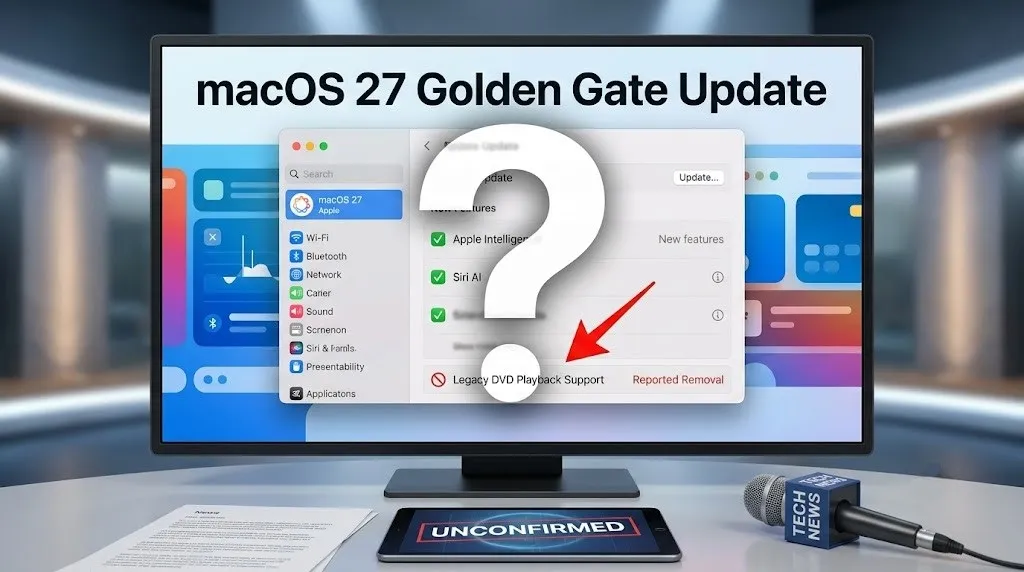
A report claiming that Apple will remove native DVD playback support in macOS 27, Golden Gate has raised questions among Mac users who still rely on physical media. However, Apple has not officially confirmed that the DVD Player app or built-in DVD playback support will be removed.
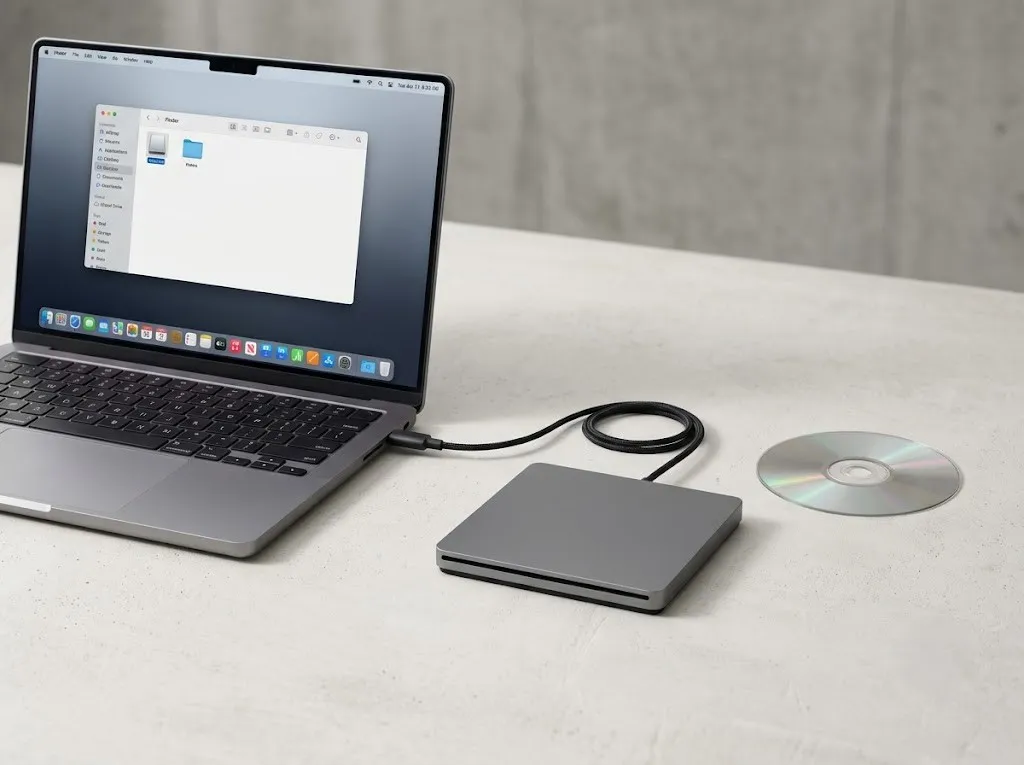
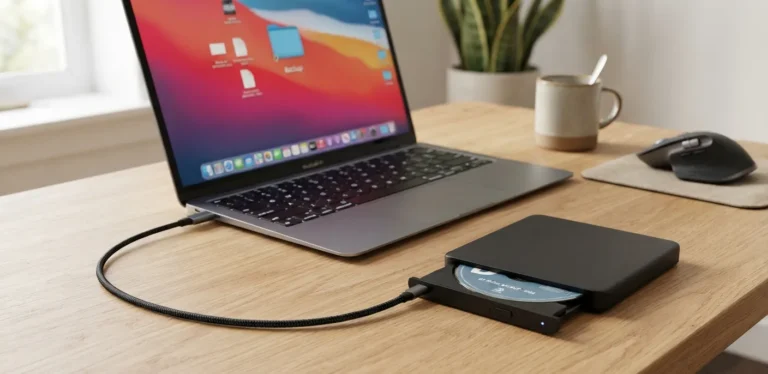
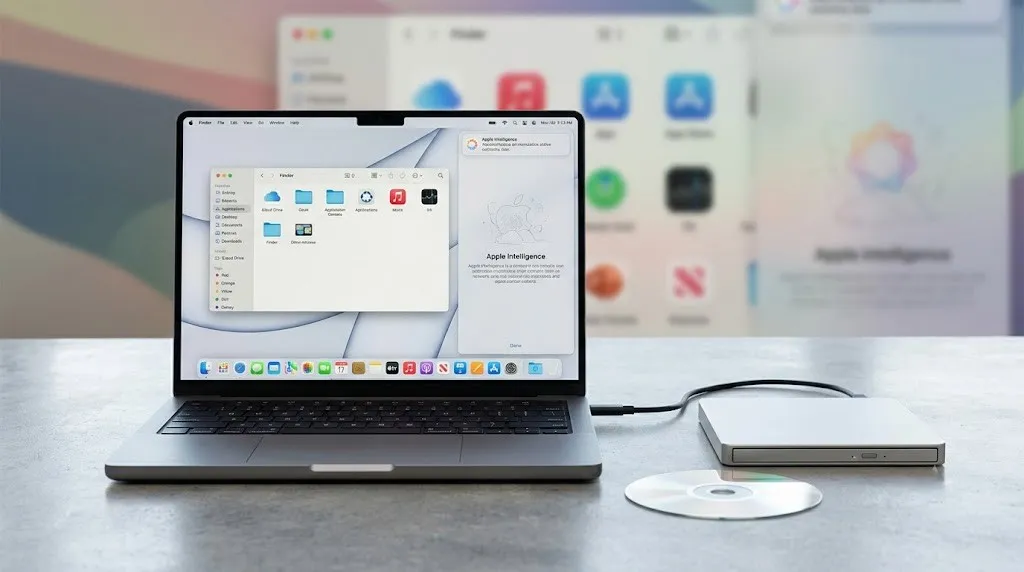
What Apple has confirmed is that macOS 27 Golden Gate is an upcoming major macOS release focused on features such as Apple Intelligence improvements, Siri AI enhancements, and Liquid Glass design updates. Apple’s existing support documentation also continues to describe DVD Player functionality and explains how Macs can work with external optical drives, including the Apple USB SuperDrive.
If Apple eventually retires DVD playback, it would represent a symbolic shift rather than a sudden hardware change. The company has been moving away from optical media for years, but DVDs remain relevant for users preserving home videos, archived content, older software, and collections that are not available through streaming services.
What Happened With the macOS 27 DVD Playback Report?
A report suggested that Apple’s upcoming macOS 27 Golden Gate update would remove native DVD playback support, bringing an end to the long-running presence of the DVD Player app on Mac.
The claim, however, has not been confirmed by Apple.
Apple has published official information about macOS 27 Golden Gate, but the company’s preview materials focus on new platform features rather than any change to DVD playback. No Apple announcement, release note, or support document currently confirms that DVD Player will be discontinued.
That distinction is important. When Apple removes older technologies, it typically documents those changes through official release notes, support pages, or developer resources. Until such documentation appears, the reported DVD playback removal remains unverified.
Important: Apple’s current documentation still describes DVD Player support and compatibility with external DVD drives.

What Apple Has Officially Confirmed About macOS 27 Golden Gate
Apple’s confirmed macOS 27 information centers on software improvements rather than legacy feature removals.
The update continues Apple’s broader push toward artificial intelligence, modern interfaces, and tighter integration across the Mac ecosystem.
Key macOS 27 Golden Gate Features
| Feature | Description |
|---|---|
| Siri AI | Apple lists Siri AI improvements as part of macOS 27 Golden Gate |
| Apple Intelligence enhancements | Improvements across apps including Photos, Messages, and Safari |
| Liquid Glass refinements | Design updates focused on readability and customization |
Apple has stated that macOS 27 Golden Gate is coming later in the year, although a specific public release date has not been provided in the available official information.
Why DVD Playback Still Matters to Some Mac Users
DVD playback may seem outdated in an era dominated by streaming platforms and digital downloads, but physical media still serves a purpose for many users.
DVD collections often include content that cannot easily be replaced, such as:
- Home videos
- Family recordings
- Educational discs
- Archived films
- Older software installations
- Media unavailable through streaming platforms
For these users, losing built-in playback would not simply mean removing an unused feature. It could change how they access content they have owned for years.
Apple’s own documentation currently explains that DVD Player can work with DVDs through built-in optical drives or external drives such as the Apple USB SuperDrive.

How Apple Gradually Moved Away From Optical Media
The possible retirement of DVD playback would fit into a much longer transition.
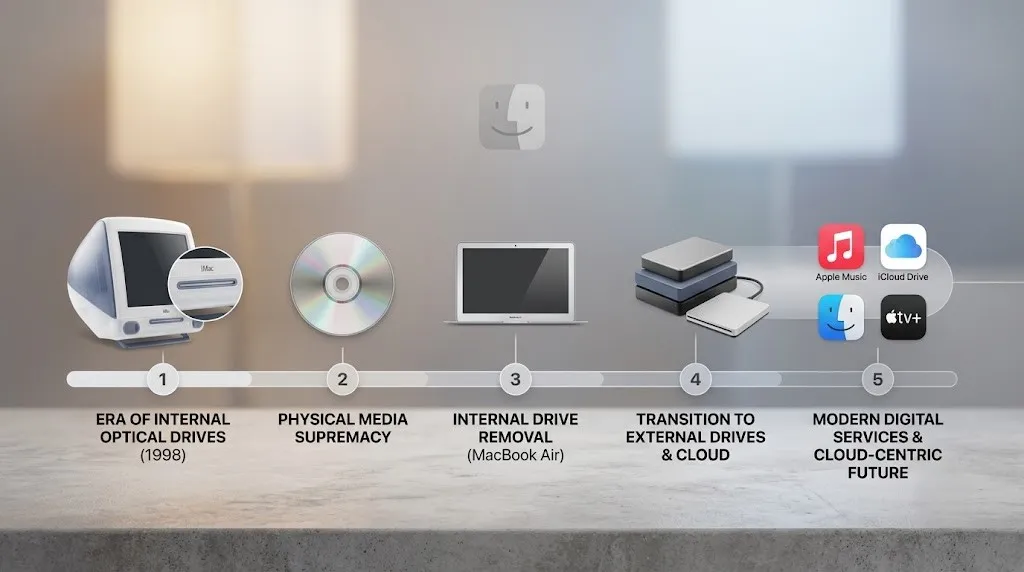
Apple began moving away from optical media years ago by removing built-in optical drives from Mac computers and shifting users toward digital downloads, cloud storage, and streaming services.
The transition happened gradually:
| Era | Apple’s Approach |
|---|---|
| Earlier Mac generations | Optical drives included in many Mac models |
| Later Mac generations | External optical drives supported |
| Current direction | Digital distribution, streaming, and cloud-based services |
A potential DVD Player removal would continue that trend, but it would not be the first time Apple has moved away from older technology.

What Has Changed — and What Has Not
Apple has clearly shifted macOS toward newer technologies, including:
- AI-powered features
- Modern interface design
- Digital-first experiences
The company has also reduced dependence on older hardware technologies over time.
However, several possible DVD-related changes remain unconfirmed:
- Removal of the DVD Player app
- Ending DVD playback support
- Ending Apple USB SuperDrive compatibility
- Providing a migration plan for DVD users
Until Apple publishes official documentation covering these areas, users should avoid assuming that DVD functionality will disappear with macOS 27.
Practical Advice for Mac Users With DVD Collections
Users who still depend on DVDs can take a few steps to protect access to their content.
Preserve Important Content
Users with valuable personal recordings or rare media may want to consider digitizing their collections. Creating personal backups can make older content easier to access across newer devices.
Keep External Hardware Available
Apple’s USB SuperDrive remains documented as a supported way to use optical discs with compatible Macs.
Anyone who depends on physical media should avoid assuming that every future macOS version will maintain the same workflow.
Check Compatibility Before Updating
Before installing a major macOS upgrade:
- Confirm that important applications still work
- Check hardware compatibility
- Review Apple’s official release notes
Why Legacy Features Eventually Disappear
Older software features often disappear as operating systems evolve.
Maintaining legacy functionality requires balancing:
- Compatibility with older hardware and software
- Code maintenance
- Security improvements
- Support for newer technologies
Features that serve fewer users can become difficult to justify over time, even when they remain valuable to a smaller group.
For Apple, a possible DVD Player removal would align with the company’s long-term move toward a simpler, more digital-focused Mac experience.
Conclusion
The reported removal of native DVD playback in macOS 27 Golden Gate has attracted attention because it could mark the end of one of the last remaining connections between modern Macs and physical media. However, Apple has not officially confirmed that DVD Player support is being removed.
What Apple has confirmed is a continued focus on artificial intelligence, interface improvements, and digital-first computing with macOS 27 Golden Gate. For users who still rely on DVDs, the key step is to watch Apple’s official documentation and release notes as the update moves closer to release.
The future of DVD playback on Mac will depend on whether Apple eventually publishes formal guidance about legacy media support, external optical drives, or changes to the DVD Player app.
Frequently Asked Questions
Will macOS 27 Golden Gate remove DVD Player?
Apple has not officially confirmed that DVD Player will be removed from macOS 27 Golden Gate.
Does Apple still support DVD playback on Mac?
Apple’s current documentation describes DVD Player support and explains how Macs can use compatible external optical drives.
Can I still use an Apple USB SuperDrive with a Mac?
Apple provides documentation explaining how to connect and use the Apple USB SuperDrive with compatible Mac computers.
Why might Apple remove DVD playback?
A removal would fit Apple’s long-term move toward digital downloads, streaming, and cloud-based services, but Apple has not announced this change.
Is macOS 27 Golden Gate officially announced?
Yes. Apple has published official information about macOS 27 Golden Gate.
When will macOS 27 Golden Gate be released?
Apple has stated that macOS 27 Golden Gate is coming later in the year, but a specific release date has not been provided in the available information.
What are the main features of macOS 27 Golden Gate?
Apple highlights Siri AI improvements, Apple Intelligence enhancements, and Liquid Glass design refinements.
Should I digitize my DVD collection?
Users with important personal recordings or rare media may consider digitizing their collections to make access easier across modern devices.
Will external DVD drives stop working on Mac?
Apple has not announced that external DVD drives will stop working with macOS 27 Golden Gate.
Share this story
Related Articles

Huawei MatePad Pro Max Compact Variant “Dali”: What We Know About the Reported Smaller Flagship Tablet
Huawei’s reported MatePad Pro Max compact variant “Dali” remains unconfirmed, but the existing flagship tablet reveals Huawei’s premium tablet strategy.

Hisense E8S ULED Mini-LED TV Series Arrives in India: 144Hz Display, Price, Features
Hisense has launched the E8S ULED Mini-LED TV series in India with a native 144Hz display, Dolby Vision IQ, Devialet audio, VIDAA Smart OS, and prices starting at Rs. 57,990.

RedMagic Gaming Tablet 5 Pro Goes Global as REDMAGIC Astra 2: What Buyers Need to Know
REDMAGIC's latest gaming tablet is heading worldwide as the Astra 2. Here's what has been confirmed about its specifications, pricing, launch timeline and availability.
Comments (0)